
How to Search Cases by Name
Start at the eCourts Portal Smart Search. The standard Smart Search box takes a party name or a case number. For a Rockingham County case lookup by name, skip the advanced Party Name filter at first. Just type the name into the ordinary search box. The Judicial Branch cautions that the advanced filter actually narrows what comes back. It also refuses wildcards. One more limit on results: victims never appear. So a list of hits is not a full roster of everyone tied to a court event. Treat it as a starting point, not the whole picture.
- Open Portal Smart Search and choose the normal criteria field.
- Enter a party name when no case number is known. Use the ordinary Smart Search path first.
- Limit the Rockingham County case search only when needed with a case category or search-type filter.
- Open the matching Case Summary and compare the court assignment, parties, and case events before relying on the result.
The Judicial Branch FAQ documents the search controls described here. Portal help lists the field labels and settings the FAQ describes, so rely on that official help text for the current screen layout.
| Portal field | Type | Required | Rockingham County use |
|---|---|---|---|
| Smart Search criteria | Text | One criterion | Defaults to Case Number or Party Name. |
| Party Name | Text | No | Use ordinary criteria; wildcard rules apply there. |
| Advanced Filtering Options | Expandable filter | No | Civil Actions, nonconfidential Special Proceedings, Estates, or Criminal Actions. |
| Filter by Search Type | Dropdown | No | Includes party, business, attorney, bar number, and citation-related searches. |
Note: A name match only points to a possible case. Open the Case Summary and read the assignment and events before drawing any conclusion about the file.
Rockingham County Case Search Wildcards
Wildcards are allowed in Portal, but the rules shift with the search type. A case-number wildcard needs at least four characters in front of it. A party-name wildcard has its own floor. It needs at least three characters of the last name plus one character of the first name before the wildcard kicks in. Those floors matter most when a spelling is shaky or the name is common. A broad Rockingham County case search pulls more candidates than a tight one. So run the ordinary search first and refine only after you have a workable set.
When a search comes back empty, the FAQ offers a few fixes. Check the search format. Clear the browser cache. Try another browser or a private session. And remember that a failed online query does not mean the Rockingham County case file is missing. What Portal displays, what your browser can reach, and what the clerk actually holds are three separate things.
How to Search by Case Number
A full case number is the fastest key to any Rockingham County case lookup. Type it exactly as it appears on your notice or calendar. The dash and the three-digit county code are part of the string. So keep them in. Portal payment guidance is clear on that point. Trim nothing and guess nothing.
The pattern is one complete court number followed by its county portion, like complete-case-number-###. Those final three characters are the county code. They are not a placeholder you can swap out. The FAQ offers no public Rockingham sample number. So never rebuild a case number from a case title. When your number is only partial, run a party-name search instead. Then confirm the true case number in the Case Summary.
Rockingham County Case Search Filters
Filters can tame a crowded results list. Portal lets you narrow results by Civil Actions, nonconfidential Special Proceedings, Estates, and Criminal Actions, and these filters pair with your other search criteria. Want a business, attorney, bar-number, or citation search? Use the separate search-type controls for those. One caution applies. The categories show how Portal sorts the record; they do not promise that every category, document, or case status is open to the public.
Search Hearings answers a different question. It pulls current hearing information by case number, party, business, attorney, bar number, judicial officer, or courtroom. If you need a time or a room, try that tool or the official North Carolina calendar service. Anything unclear about a setting deserves a call to the Rockingham County clerk.
What a Case Search Shows
Open a Portal result and you get a Case Summary, sometimes called a Register of Actions. It updates in near real time. Think of it as a timeline of case information rather than a certified case file. The sections that follow appear whenever data exists. A missing block is not bad news. Portal hides any section with nothing to show, so an absent heading never proves the underlying fact is negative.
| Case Information | Case number and the basic record identity. |
|---|---|
| Assignment Information | The court or related assignment context when present. |
| Party Information | The named roles returned in the public result, except victims. |
| Case Events | The dated activity chronology for filings, orders, settings, or recorded actions. |
| Hearings and Dispositions | Scheduled hearing information and recorded outcomes when those sections contain data. |
| Financial Information | Case-related financial data when applicable. |
Causes of action may show up too, in civil, family, probate, or mental-health cases. Need a document image, an older paper file, or a certified copy? Take the clerk-held file route described in the Rockingham County court record search.
Rockingham County Case Search Judgment Index
NC Judgment Search is worth a second look when you want to cross-check a judgment. You can search it by party name or case number. Filters narrow results by case type, status, location, and judgment date. Keep in mind that it is only an index. So it will not show the full story of a Rockingham County court docket entry. For that, go back to Smart Search and open the Case Summary. Events, disposition, hearing, and financial sections live there.
The two tools work best side by side. Say a judgment turns up in the index but you still need the active case history behind it. The judgment search points you toward the record. The Portal Case Summary then gives the fuller chronology the public search is built to display.
Rockingham County Case Search Filing
Two different doors lead into Rockingham County court records. Portal is the one built for the public. It shows case information for anyone searching. North Carolina File & Serve is the other, a separate electronic-filing route tied to eCourts. Rockingham County joined the Track 9 rollout on July 21, 2025. That switch brought Enterprise Justice, Portal, and File & Serve in place of the old tools. One caution: being able to file online does not make a public case lookup a substitute for the clerk's certified record process.
The official File & Serve landing page names the electronic-filing service for the new eCourts setting. It also tells filers where to begin.
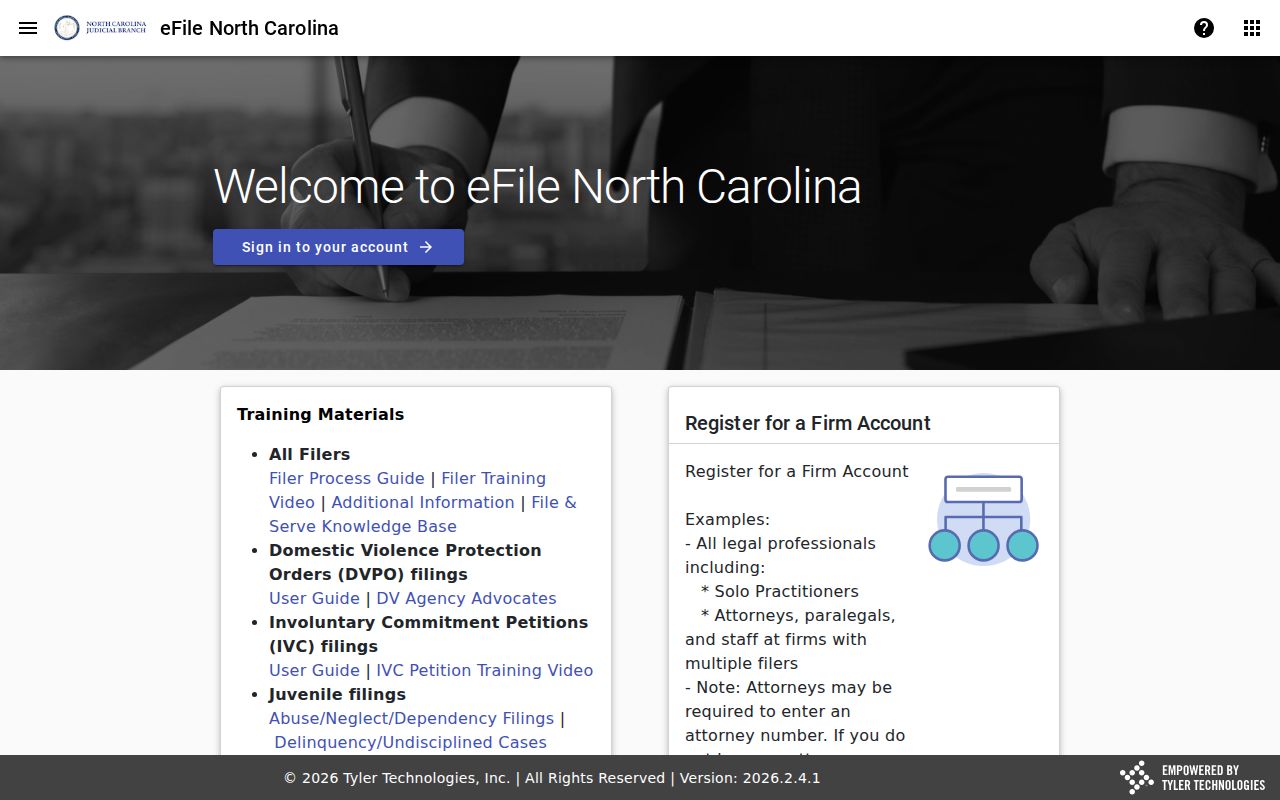
The filing system sits beside the Portal, not above it. A Rockingham County case search still runs through Portal's public Case Summary, with File & Serve handling the filing side.
Rockingham County Case Search and RPA
Portal searching and the Remote Public Access program are not the same thing. One is free and open. The other is licensed. NCAOC's Remote Public Access program sells statewide criminal and civil data under contract. It is not the ordinary public Portal. If you want one Rockingham County court case, its hearing, or its Case Summary, start with Portal. When a public result does not answer the record question, take it to the clerk.
The Judicial Branch Remote Public Access program page describes that separate statewide service in full.
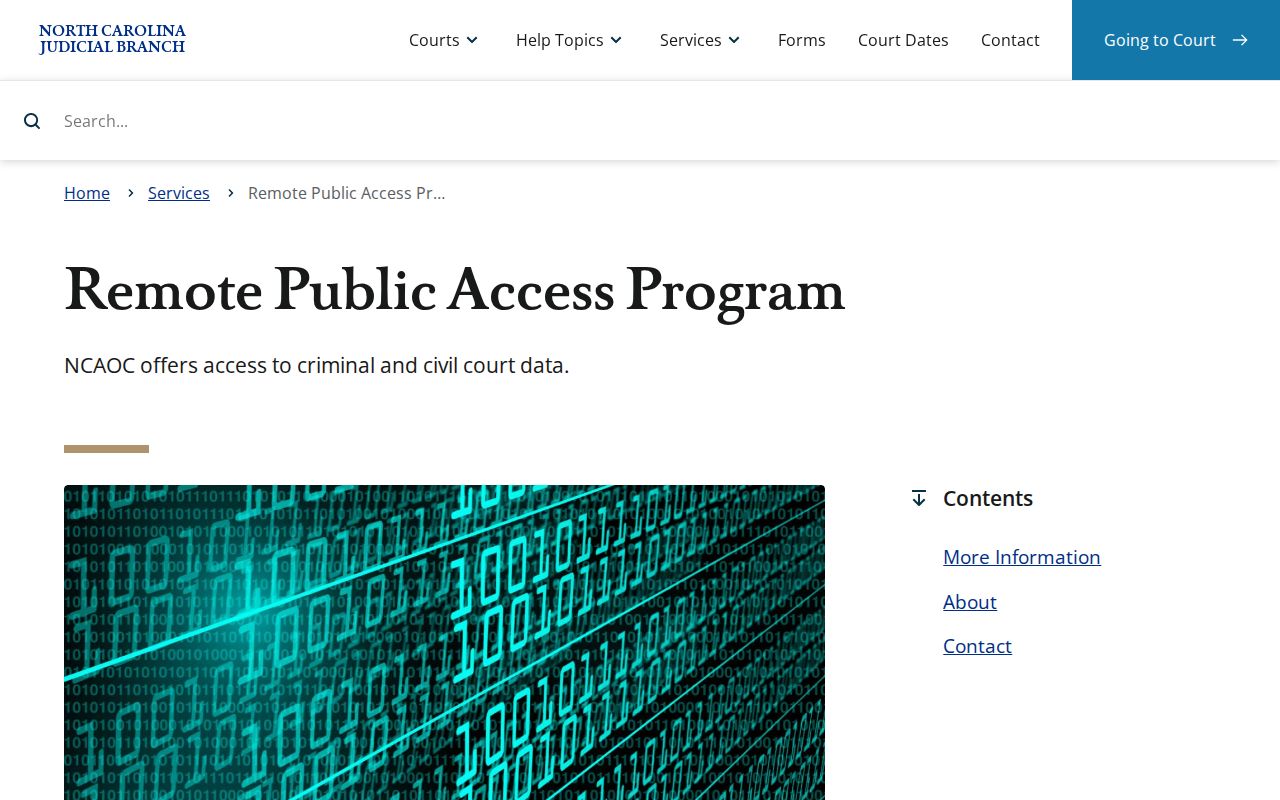
So the paid remote program is its own access option, and Portal stays the public case-search channel for Rockingham County court records. The RPA Cloud access page posts the licensed service's terms and charges.
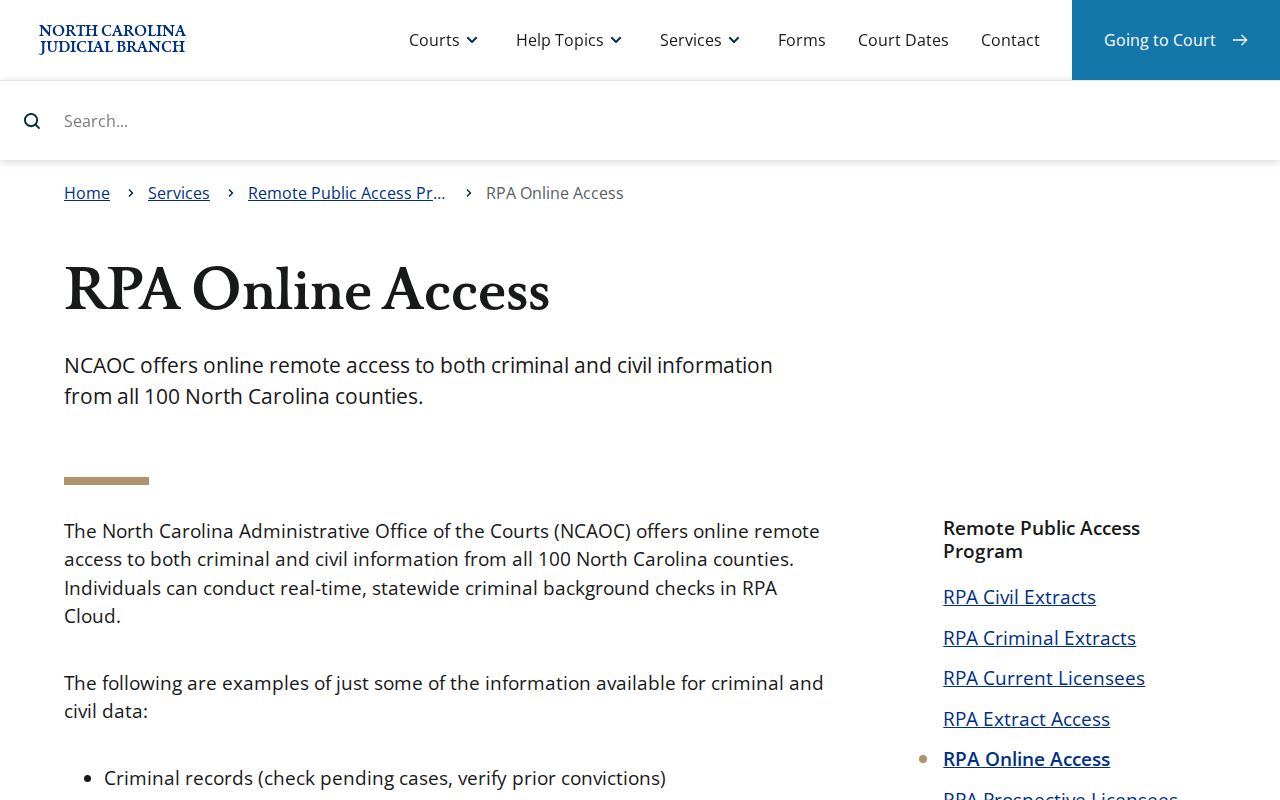
Those terms apply only to the paid remote program. Do not confuse them with ordinary Portal searching or a walk-in inspection of a clerk-filed document at the Rockingham County courthouse.
County vs Statewide Case Search
Rockingham County runs no county-only case portal apart from the statewide eCourts system. There is just one statewide layer. Portal supplies the Rockingham County Case Summary whenever the case sits in the eCourts environment. For the actual file, the Rockingham County clerk is the county office that holds it. That split shapes every search. An online lookup answers a case-information question. A clerk request or inspection answers a document or certified-copy question.
| Statewide eCourts Portal | Rockingham County clerk route |
|---|---|
| Public Smart Search and Search Hearings for case information and current settings. | Custody of the county court file, paper access, copies, certification, and public terminals. |
| Case Summary or Register of Actions with blocks that display only when data exists. | Official court-file access for an older paper document or a certified copy. |
| Useful for a name, case number, citation, or hearing query. | Useful when Portal access, indexing, or document availability does not answer the question. |
The two channels are built to work together. Portal does not replace the clerk's statutory role, and a file held at the clerk's desk does not put every record online for public view.
Rockingham County Case Search Custody
Who keeps the paper? The Rockingham County Clerk of Superior Court. That office maintains the county's files, dockets, and indexes for civil actions, criminal actions, special proceedings, estates, judgments, and other listed matters. That is why a Smart Search result is a starting point. It is not the whole record. NCAOC does not hold your county case document. The clerk does. The clerk can arrange a public terminal, a paper file, or a certified copy.
G.S. 7A-109 sets out the clerk's record and index function along with the ordinary public-inspection rule. The duty reaches the whole Rockingham County Superior and District Court record system.
Rockingham County Case Search Paper Files
Rockingham's July 2025 move to eCourts left a paper trail behind. Documents that already existed at go-live stayed at the clerk's office. The state also warned about filings arriving during the migration. Such a filing could carry a file stamp. The stamp could precede entry or indexing in Enterprise Justice. So a docket search may come up short. A Rockingham County case can still need a clerk check or a public terminal. That applies when a new or older record has not yet shown up online.
The Track 9 transition notice explains the Portal indexing delay. It also confirms that pre-go-live paper documents remain available through the clerk. After the documented troubleshooting steps, call the Rockingham County Clerk of Superior Court at (336) 634-6000. Use that number when a case will not resolve through Portal.
Restricted Cases and Access Rules
Public access has limits. Nonrestricted criminal, civil, estate, and special-proceeding information moves through Portal and the clerk. The law still walls off whole categories. Juvenile records stay closed to public inspection under G.S. 7B-3000, open only to the people and circumstances the statute identifies. Confidential special proceedings, sealed material, and expunged matters also skip the ordinary public case-search route.
Portal's FAQ adds that domestic-violence cases carry an online-display restriction under its VAWA handling. Elevated Access exists for eligible verified users. The Judicial Branch describes those circumstances. Anyone else should contact the appropriate Clerk of Superior Court. An expunction changes that. Once complete, the clerk may hold no case documentation at all. Access always turns on the governing law or court order. It never turns on a missing docket search result.